
In a cellar with no signal
Entries wait in the phone and send themselves when the signal returns. The batch gets the time of the reading, not the time it was sent. Packaging and stocktaking need a signal.
Operations app
The operations app is for operators, the warehouse and drivers. It has four screens on the bottom bar — Today, Scan, Packaging and Delivery — with buttons big enough for a gloved hand. Nothing to download from an app store: it opens in the browser and is added to the phone's home screen.
Today
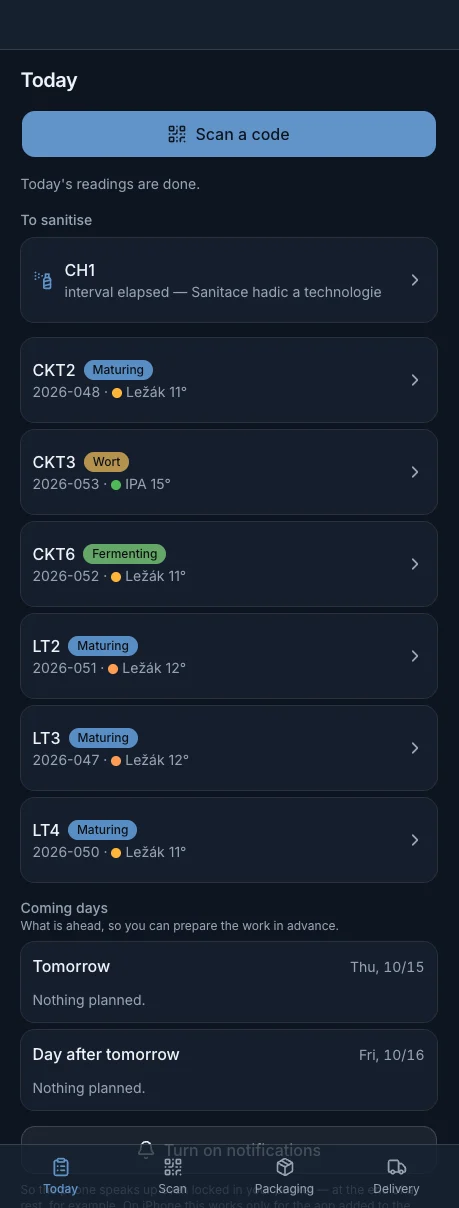
The Today screen shows how many tanks still need a reading, what is being brewed and how far it has got, which vessels are due for cleaning and which tasks the head brewer has set. At the tanks it reminds you of dry hopping, transferring a batch that has finished fermenting or packaging beer that is ready.
Coming days shows tomorrow and the day after, on Fridays through to Monday. Every brew has a What to prepare list: how much of what to weigh out and what is running low in stock.
Scan
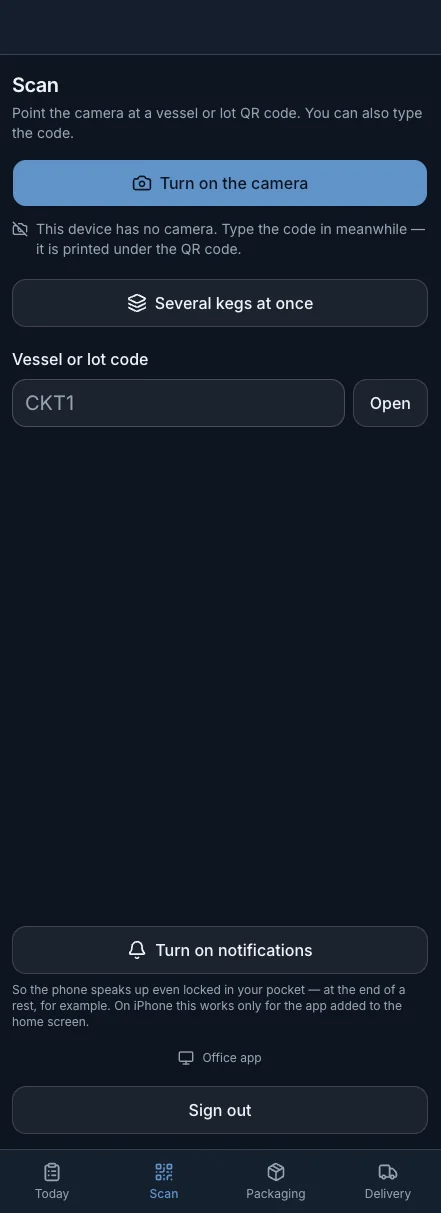
The operator scans the QR code on the tank and the vessel card opens with the form: temperature and extract. From scan to saved reading in under 10 seconds.
An unusual value is saved and the app only asks whether it is right. A real number outside the range is worth more than an invented one that passes the check. A reading taken earlier can be entered with its original time.
Raw material lot labels, kegs, equipment for cleaning and the label on a workstation door are scanned the same way. A code can also be typed in by hand.
Packaging
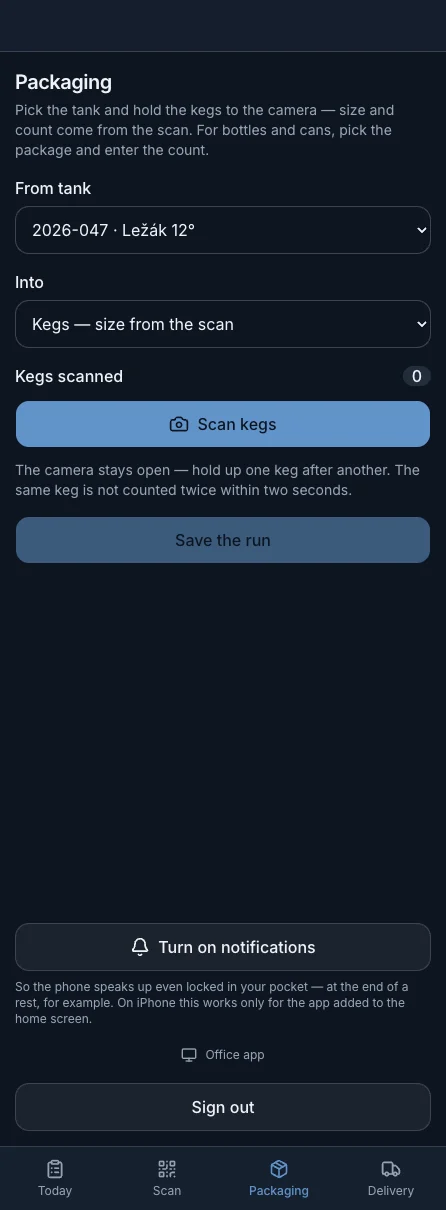
The operator picks the tank and holds the kegs up to the camera. Size and count come from the scan, the same keg is not counted twice within two seconds and each one is checked straight away, for example whether it is already full.
Bottles and cans are entered as a count. Litres are pre-filled and the difference from reality is recorded as loss.
Washing, shipping or returned kegs: several kegs are scanned one after another and confirmed together.
Delivery
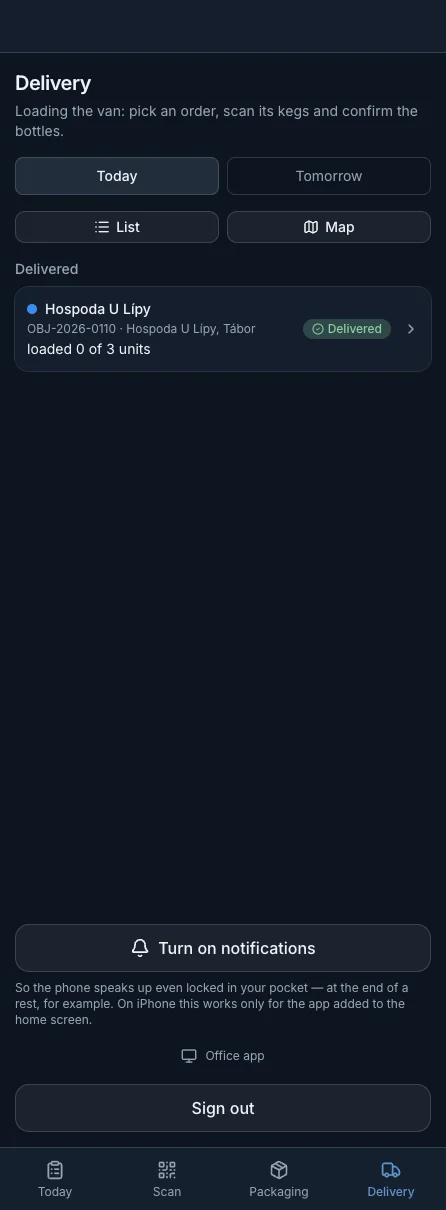
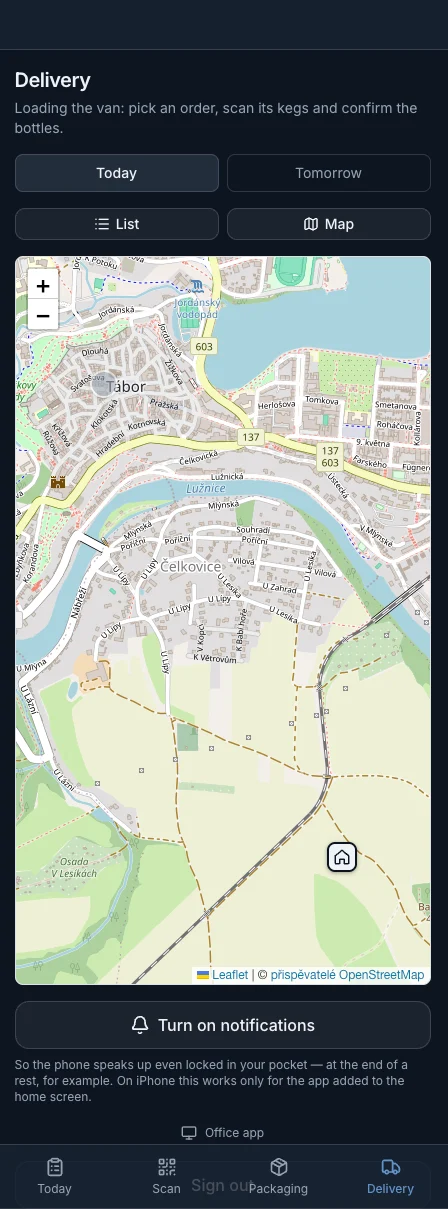
Deliveries for today and tomorrow as a list or on a map. The order of stops can be changed by hand or sorted by distance. When loading, the driver scans the kegs of the order, and a keg that does not belong to it is refused.
At the customer the driver records returned empty kegs and crates, collects cash for the delivery and for older unpaid invoices, gets a finger signature and marks the order delivered. For an unpaid invoice the app shows a QR code for payment.
Entries wait in the phone and send themselves when the signal returns. The batch gets the time of the reading, not the time it was sent. Packaging and stocktaking need a signal.
End of a rest, fermentation done, gravity stalled, beer ready to package, and in the morning how many tanks need a reading. On iPhone only for the app added to the home screen (iOS 16.4 or later).
One step at a time from the start of brewing. A rest countdown with sound and vibration, and for a decoction how many litres to draw and what to heat them to. Weighing: scan the lot label and enter the number from the scale.
Signing out removes the notifications and saved screens from the phone. Entries that were waiting for a signal are sent only under the account that made them. Only the head brewer and higher roles see the link to the office app.
Everyone switches the language in the app header, say the head brewer in Czech and a seasonal worker in English.
Everything on this page works with manual entry. Screens the brewery does not use, such as Delivery without the sales module, do not appear on the bar.
Demo and contact
Get 14 days of access to a sample brewery with real data. If you like it, we set up a 60-day trial with your own brewery so you can try the app on your own data.
14-day demo · your own brewery on a 60-day trial · monthly, no commitment